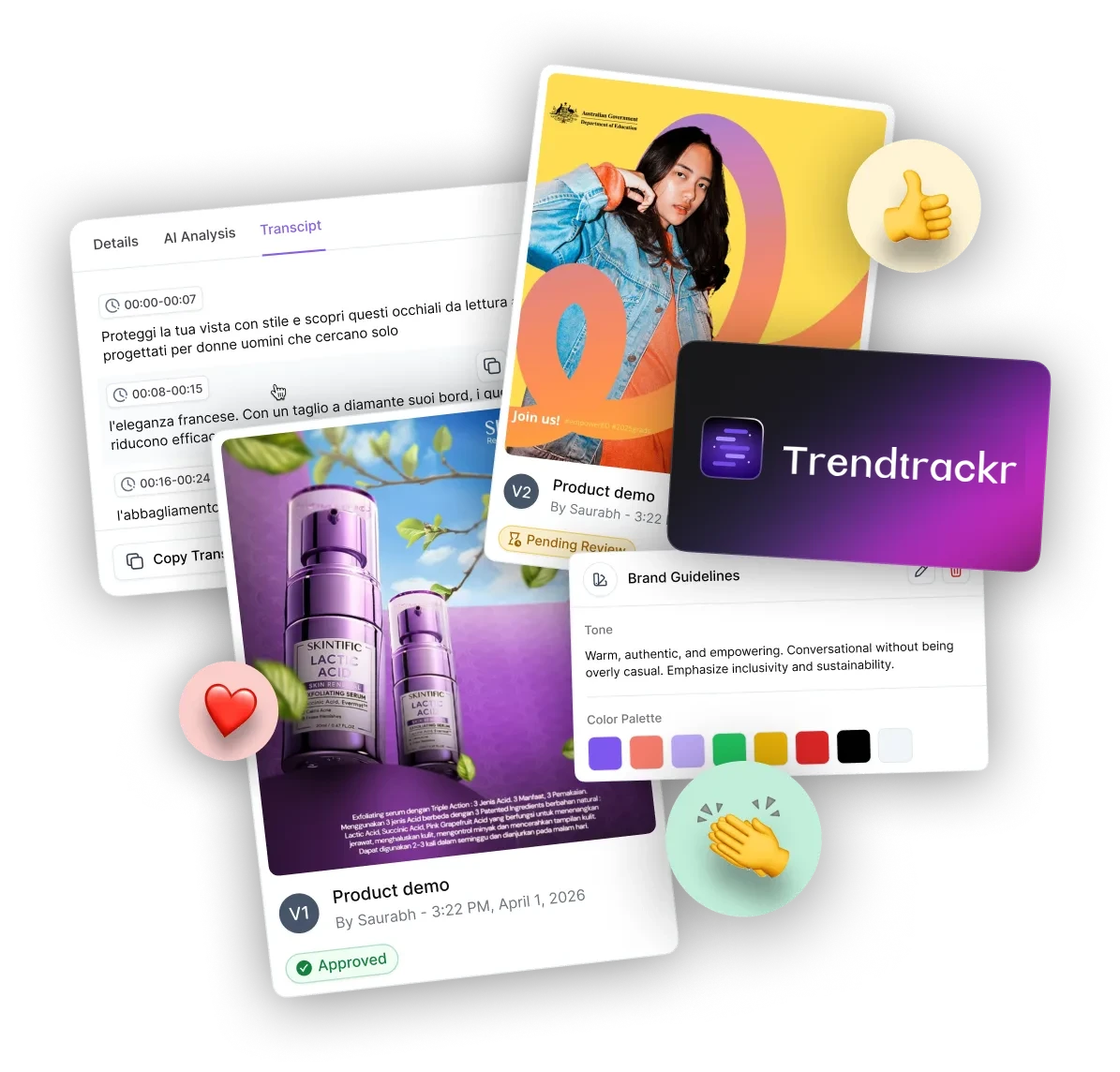
Track winning Content in Ecom, Daily! 
Find real video ideas, hooks, formats, and landing pages everyday










Real video references · October 2026

From creative discovery to your next direction.
Discover the reference. Understand the pattern. Bring an original idea to your brand.
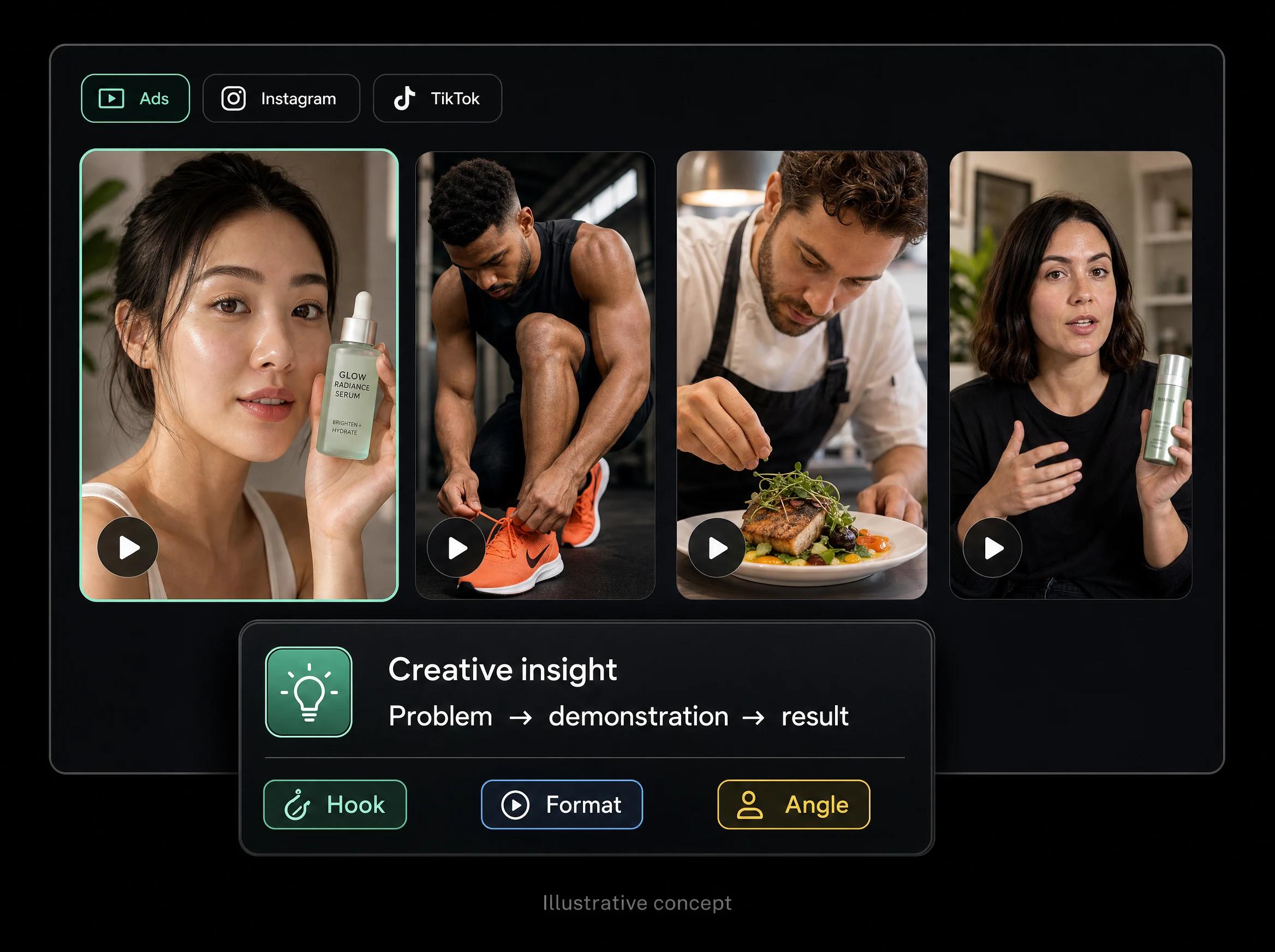
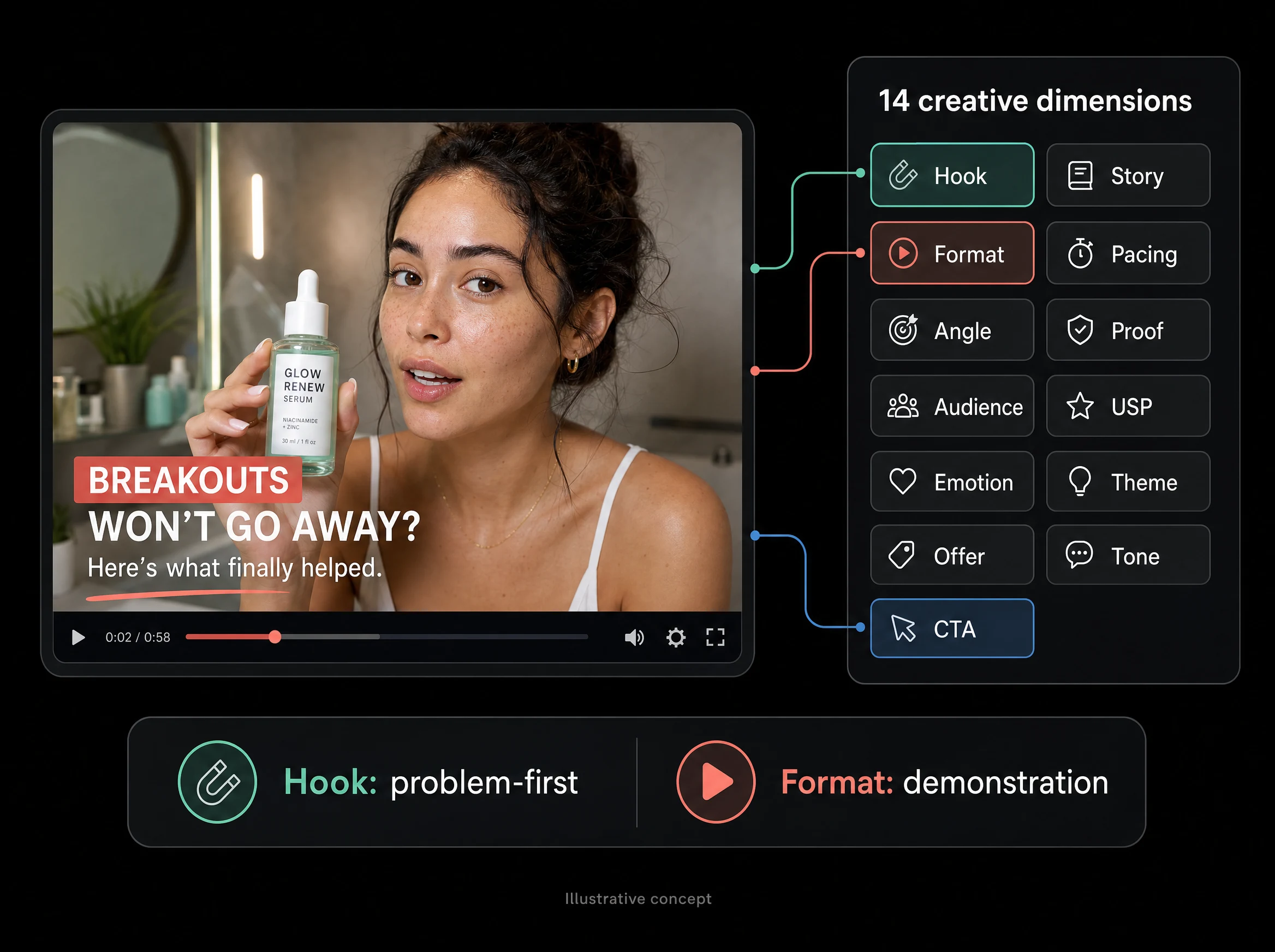
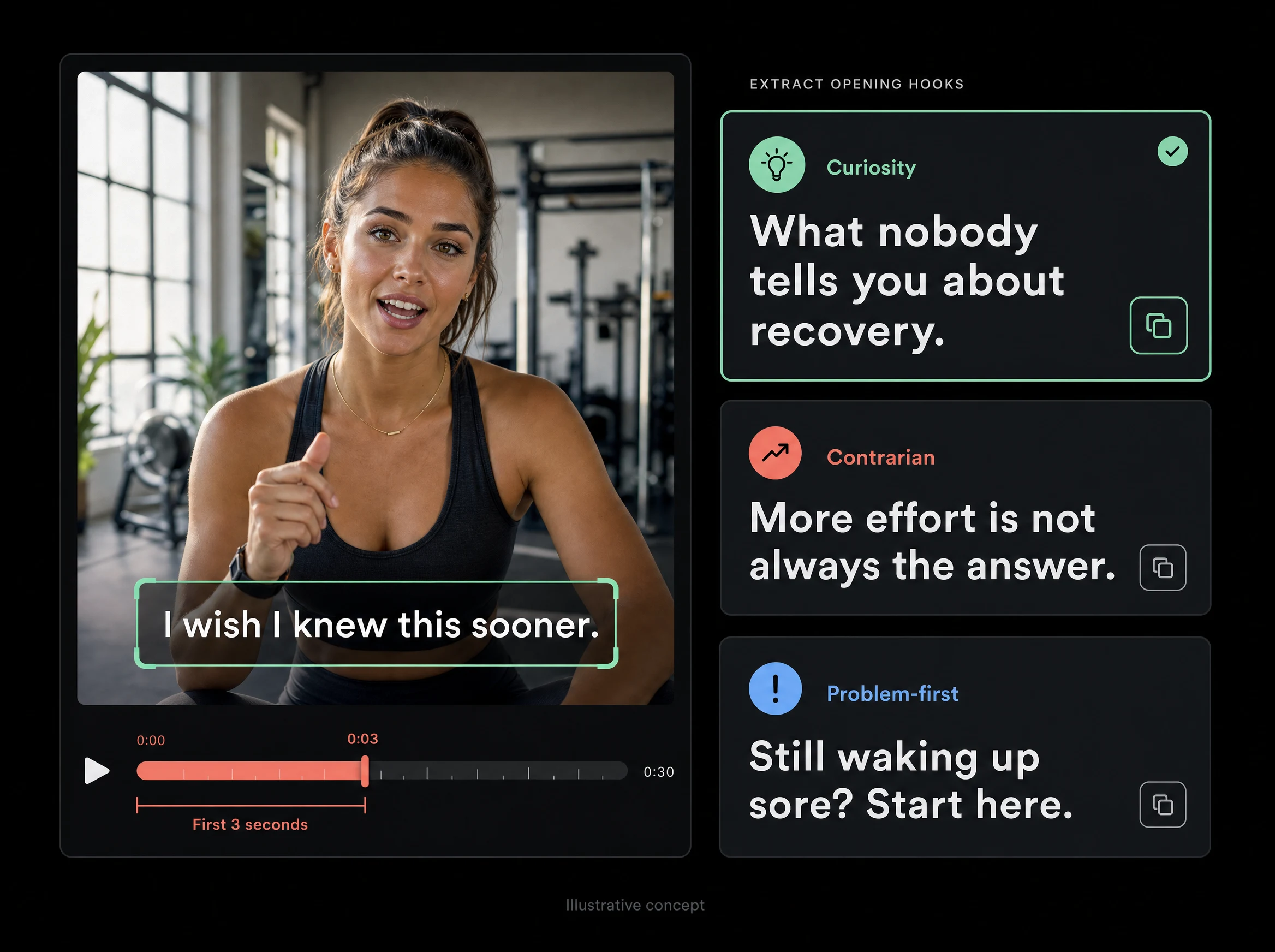
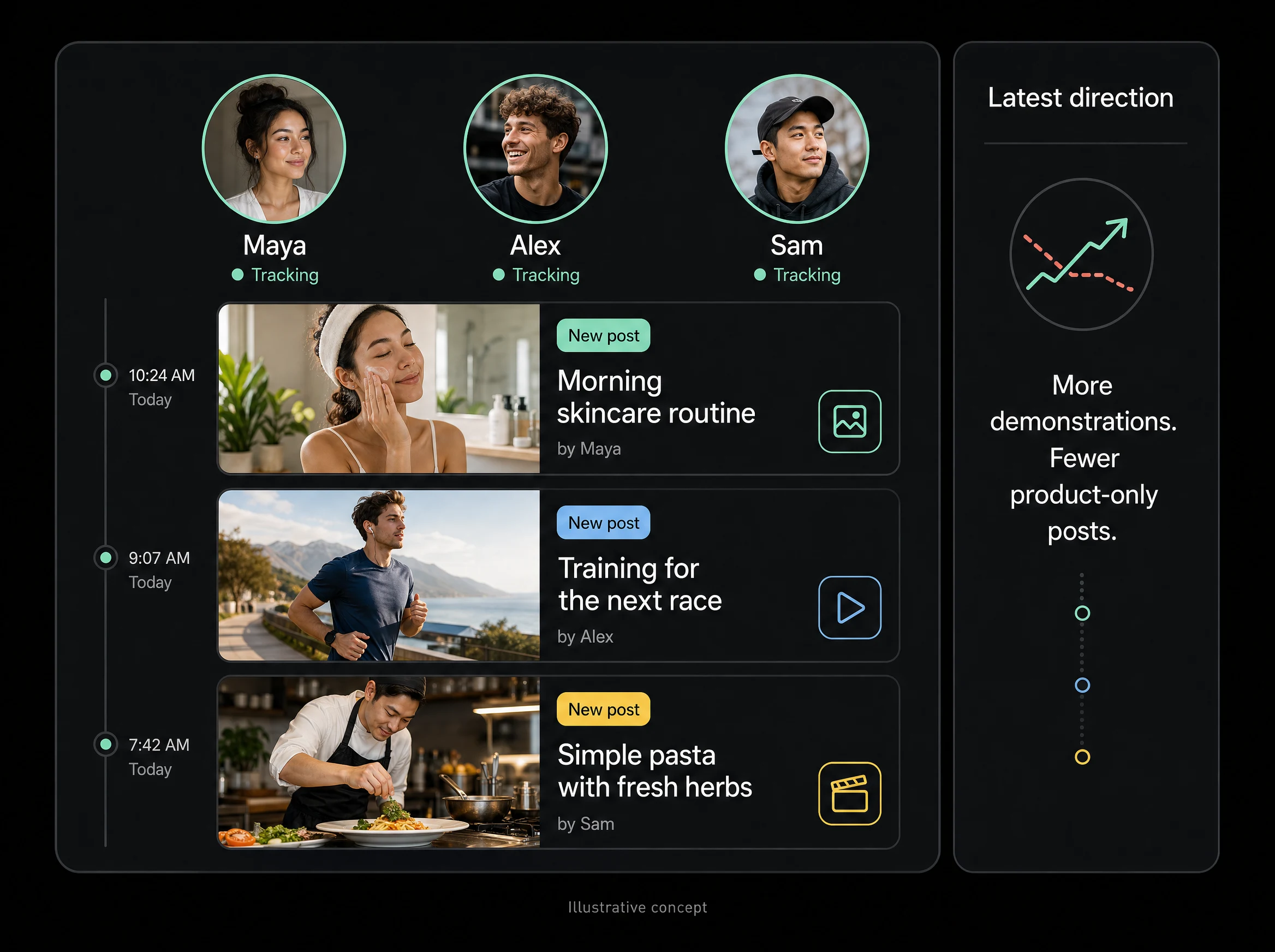
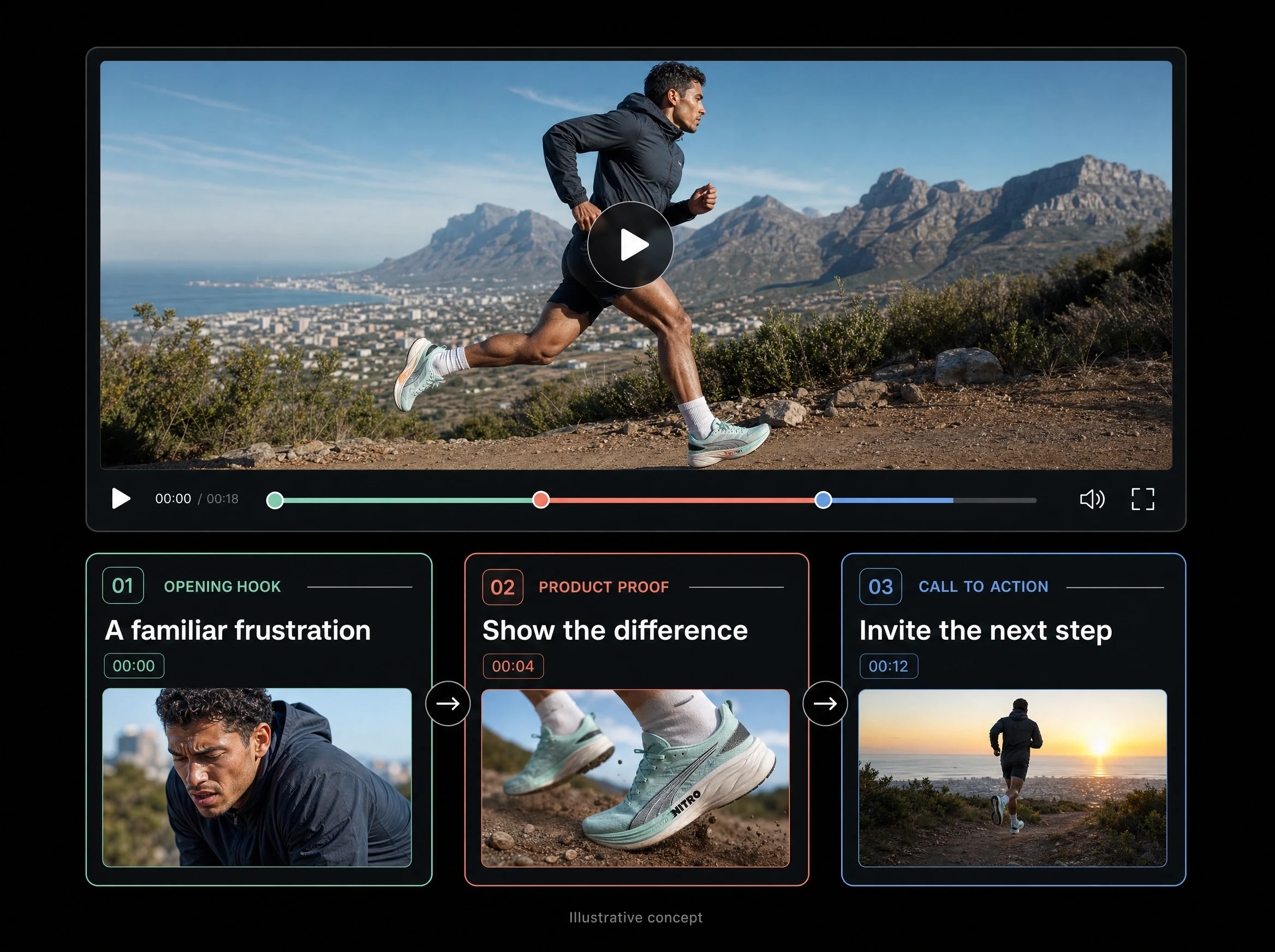
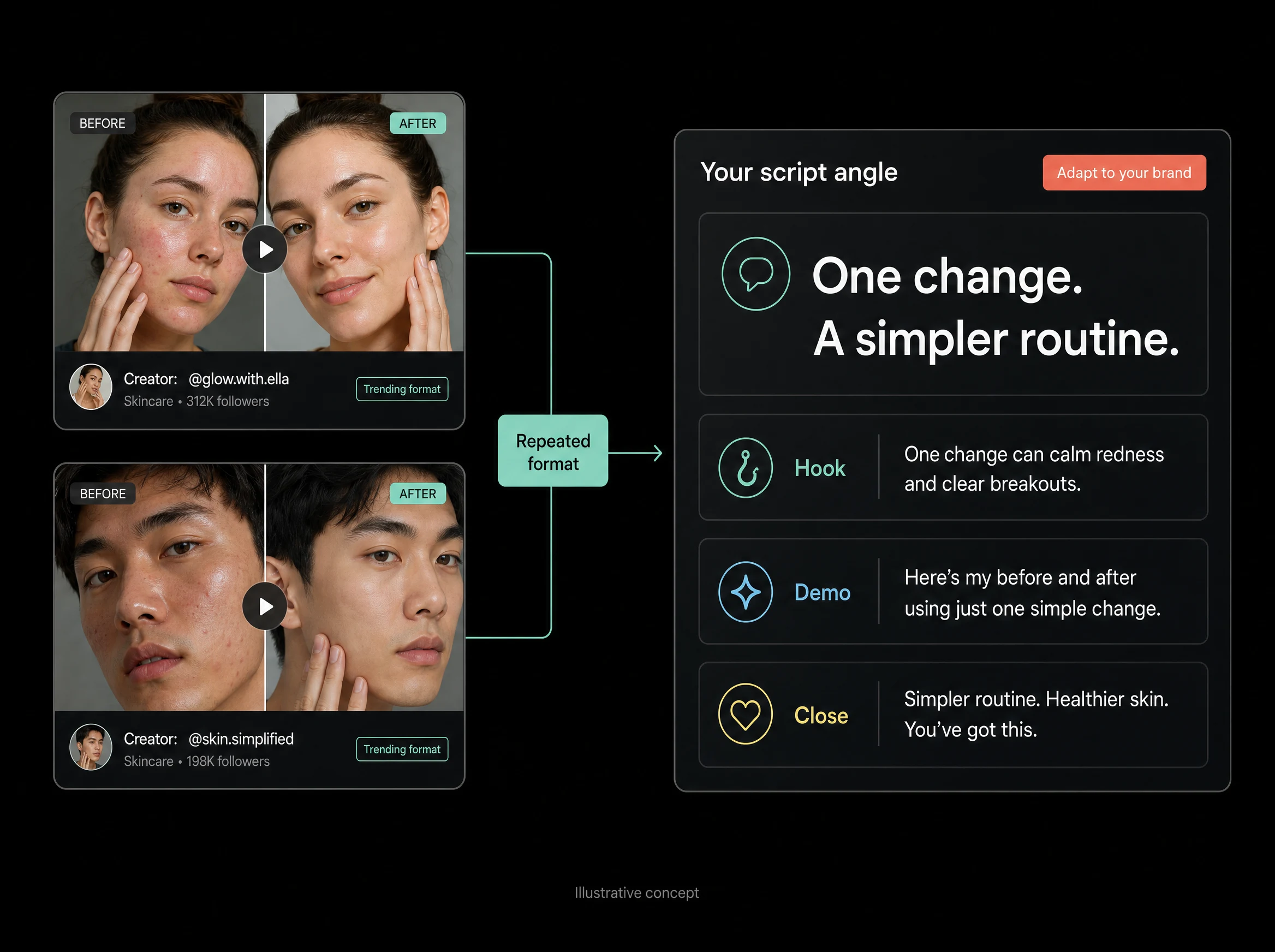
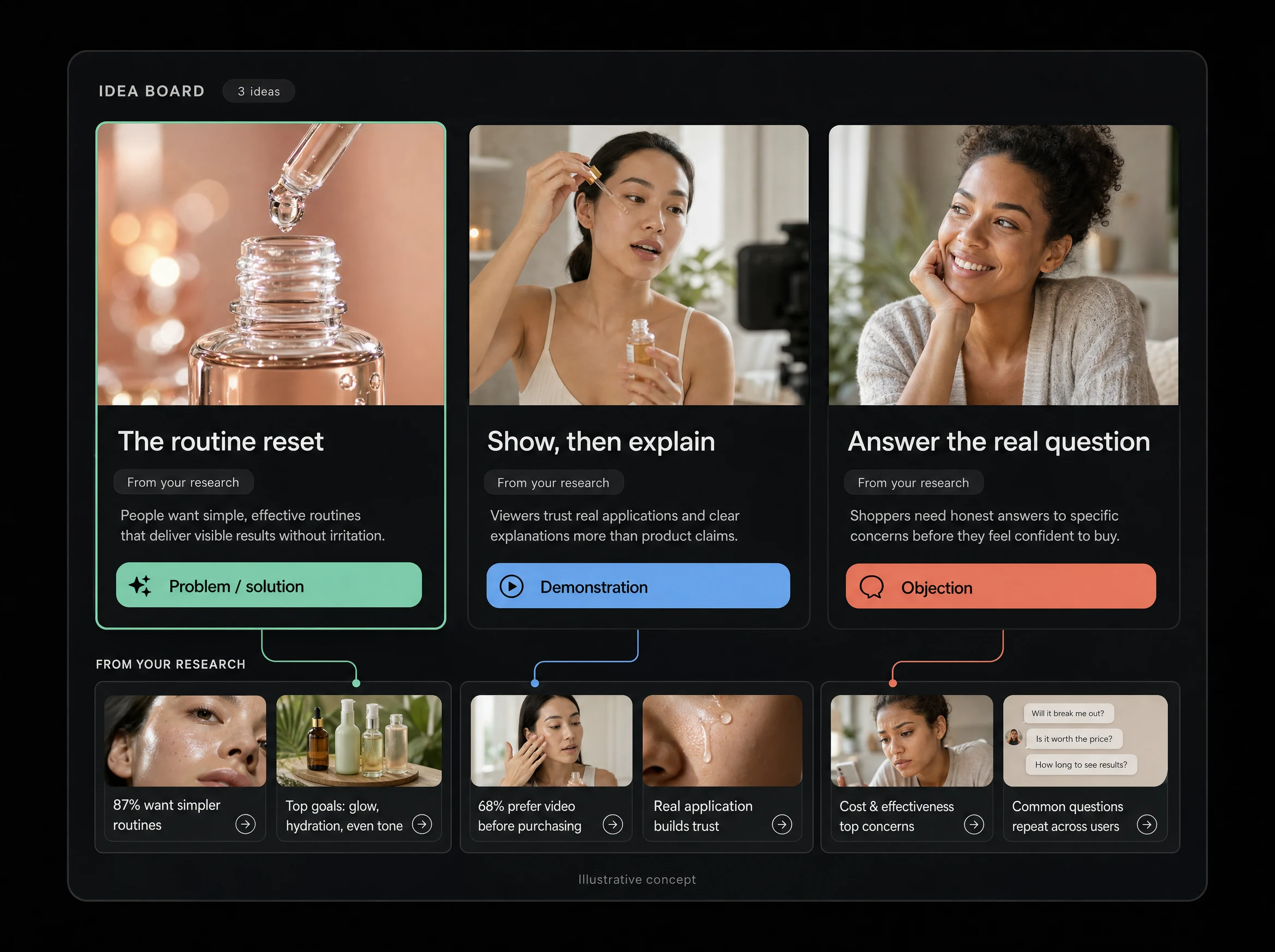
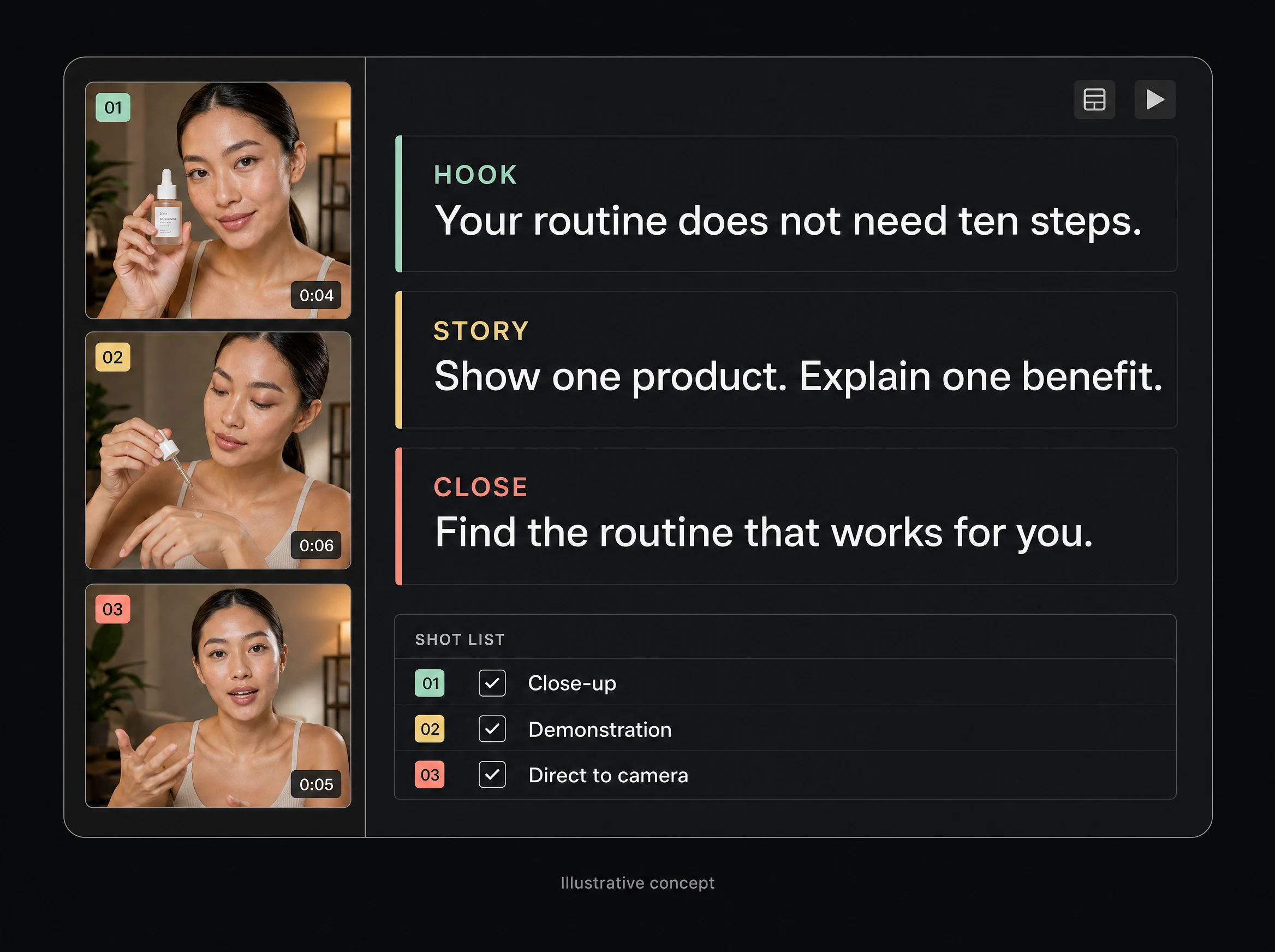
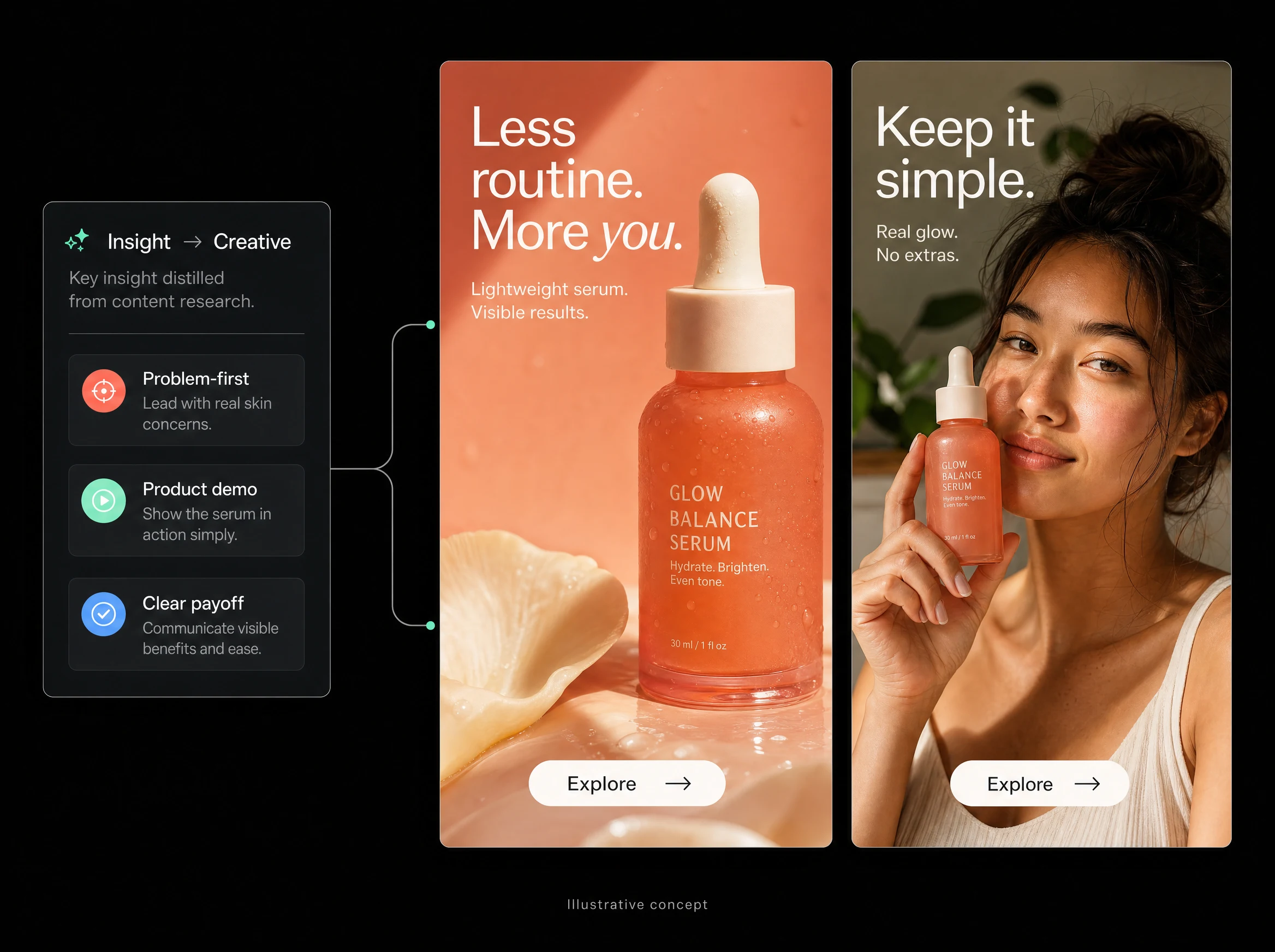

A clearer view of your creative landscape.
Discover the reference. Understand the pattern. Bring an original idea to your brand.


How teams use Trendtrackr
Explore the ads ecommerce brands are running and compare their offers, formats, and messaging before deciding what to test.
See how videos open and compare the angles creators use to grab attention.
Use real ads and videos as references when deciding what your team should make next.
Explore competitor ads alongside organic video references to spot ideas worth testing across channels.
Explore the ads ecommerce brands are running and compare their offers, formats, and messaging before deciding what to test.
See how videos open and compare the angles creators use to grab attention.
Use real ads and videos as references when deciding what your team should make next.
Explore competitor ads alongside organic video references to spot ideas worth testing across channels.
Study how ecommerce brands introduce an offer and guide shoppers toward the next step.
Turn competitor research into a brief that gives editors clear references and a direction to work from.
Compare creators across niches to see which visual formats and storytelling patterns keep appearing.
Adapt a promising hook or video format to your brand, product, and audience.
Explore the ads ecommerce brands are running and compare their offers, formats, and messaging before deciding what to test.
Study how ecommerce brands introduce an offer and guide shoppers toward the next step.
Turn competitor research into a brief that gives editors clear references and a direction to work from.
Compare creators across niches to see which visual formats and storytelling patterns keep appearing.
Adapt a promising hook or video format to your brand, product, and audience.
Explore the ads ecommerce brands are running and compare their offers, formats, and messaging before deciding what to test.


Got Questions? We have got answers.
Find answers to common questions about Trendtrackr and it’s capabilities.

Trendtrackr is a creative intelligence platform for performance marketers and creative teams. It connects to your Meta ad account, tags every creative across 14 axes, tracks your competitors daily, detects fatigue before it costs you, and generates briefs and prompts you can feed into any AI creative tool.


No. Trendtrackr tells you exactly what winning ads to make and why, grounded in real performance data and competitor intelligence. When you are ready to produce, it hands you structured briefs, scripts, and prompts your team can work from. You stay in control of the creative.
Every active competitor ad is pulled directly from the Meta Ad Library. Trendtrackr tags it, analyses it, and breaks it down by strategy, format, and messaging. Tracking updates daily, so you always see what they are running right now.
Every ad gets broken down across 14 creative dimensions like hook type, CTA, offer, emotion, visual style, persona, ad angle, USP, and theme. Those tags get correlated with your ROAS, CPA, and CTR, so you can see which creative elements are driving results instead of guessing.
The Winner Score rates how an ad is performing based on observable signals, not made up spend estimates. Ads move through four tiers as they prove out: Testing, Validated, Scaled, and Hero. It is deterministic, so the numbers hold up when your team checks them.
Trendtrackr watches your live creatives for early warning signs like CTR drops, CPA spikes, and frequency thresholds. You get flagged before performance tanks, not weeks after your CPA has already climbed.
Yes. Trendtrackr reads your performance data to power the intelligence layer and never shares it. You connect your account, and you can disconnect at any time.
Saving competitor ads is where most tools stop. Trendtrackr extracts the strategy behind the ad, scores what is working, maps it against your own creatives, and turns the gap into a brief you can act on. It is the difference between collecting ads and knowing what to make next.
Yes. Trendtrackr has an MCP connector. Add it in Claude under Settings then Connectors, and you can run competitor analysis, performance insights, and creative intelligence right inside your conversations.